
Posts, carousels, reels
Every kind of post your channels want.
Single posts, swipe-through carousels and short reels, each written for the channel it's going to, not one caption pasted everywhere.
Feed postsCarouselsReelsStories
Watch this first. In under two minutes, it shows exactly what you get.
$1 for your first month. Cancel anytime.
I don't have a websiteSee your posts first You have the final say Edit or pause anything
Warble reads what's already there: what you sell, who it's for, your logo, your colors.
No website? Tap "I don't have a website," answer a few questions and add a few photos instead.
Warble makes sample posts for your business, in your colors, about the things you actually sell. You see them first.
Your website is the starting point. If it only has a few photos, your first posts will look plainer, with more designed graphics and fewer shots of your real place.
Add photos of your shop, your products, your team and your work. Warble builds posts around them, so they look like your business and nobody else's.
Start with five. Phone photos are fine. You can add more any time from your Media folder.
On your schedule, and every post is on your calendar before it goes out.
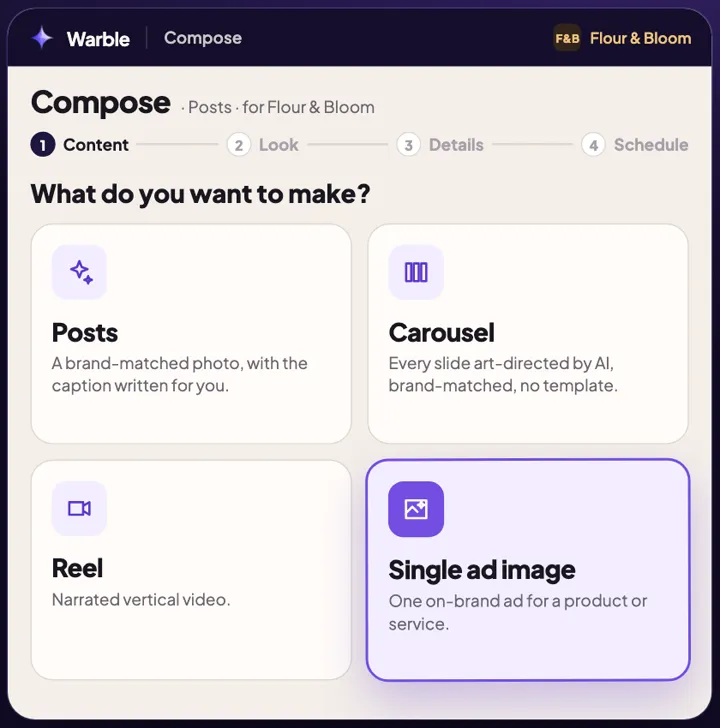
Single posts, swipe-through carousels and short reels, each written for the channel it's going to, not one caption pasted everywhere.
Pick a product or a service, pick a look, or let Warble choose. It makes the ad in your brand, using only facts about your business.
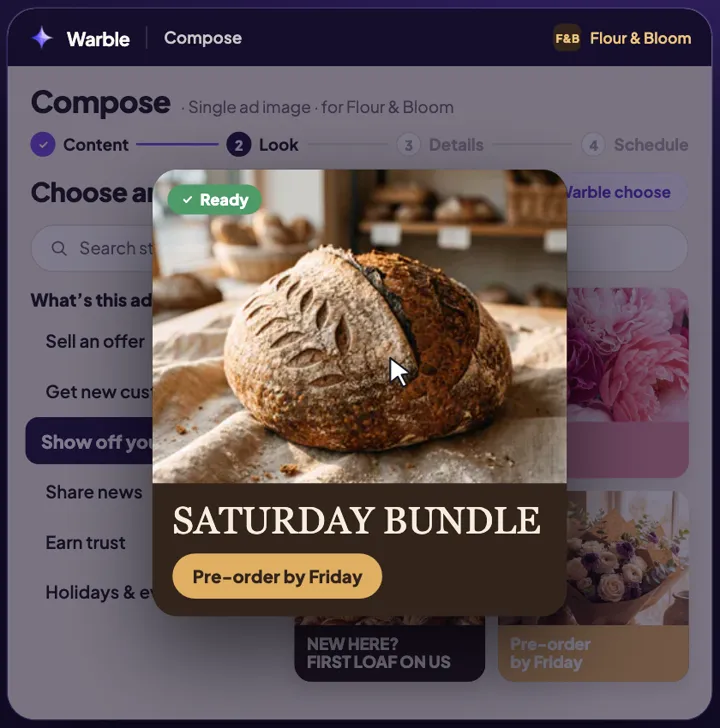
A sale, a launch, a busy season: set the goal and the dates, and Warble plans the posts, makes them and puts them on your calendar, ready to go out.
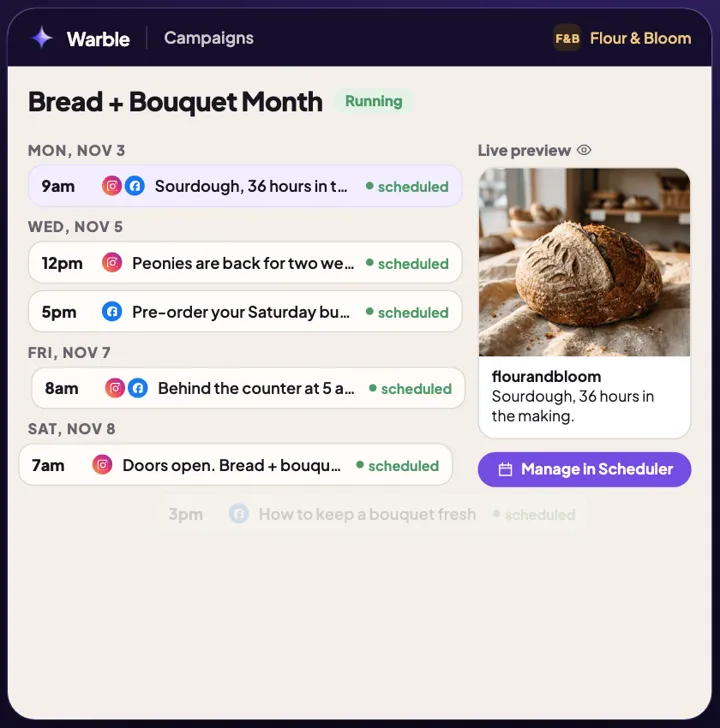
Every post sits on your calendar before its time. Edit the words, ask for a new picture, move it, or unschedule it.
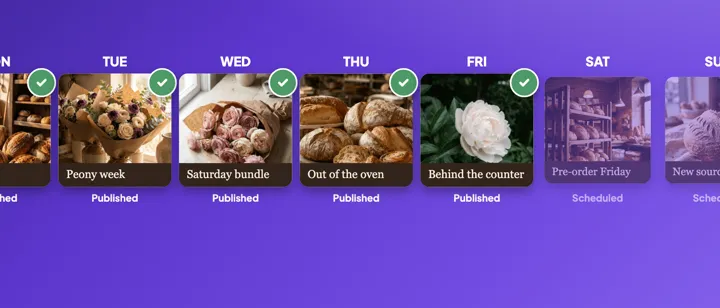
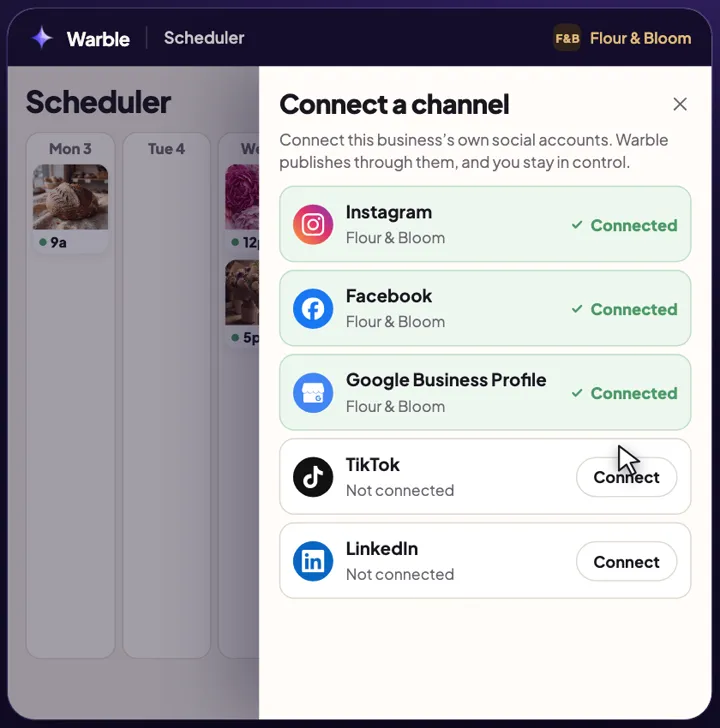
Instagram, Facebook, LinkedIn, TikTok, X, Threads, YouTube, Pinterest, Bluesky and Google Business. Each post goes out at its time, without you opening an app.
It's your first month of Warble, posting for real to your own channels. When the month ends, it carries on as a monthly plan unless you cancel. You'll see the plan and its price before you pay anything.
No. Tap "I don't have a website," answer a few questions about your business and add a few photos, and your logo if you have one. Warble writes down what you'd post about, you check it sounds right, and then it makes your posts.
Yes, anytime, from Billing in the app. There's no contract. Cancel during your first month and you won't be charged again.
Only what's on your calendar, and you can open any post there to edit it, move it or unschedule it before it goes out.
Yes, and it's the single best thing you can do for your posts. Add real photos of your shop, products and team, and Warble builds posts around them.
Your website is the brief
Paste your website and see posts made for your business, in your brand.
Scan your website to see your posts$1 for your first month. Cancel anytime.
I don't have a website